AgentPlaybooks Tools for Hermes
!AgentPlaybooks Tools for Hermes
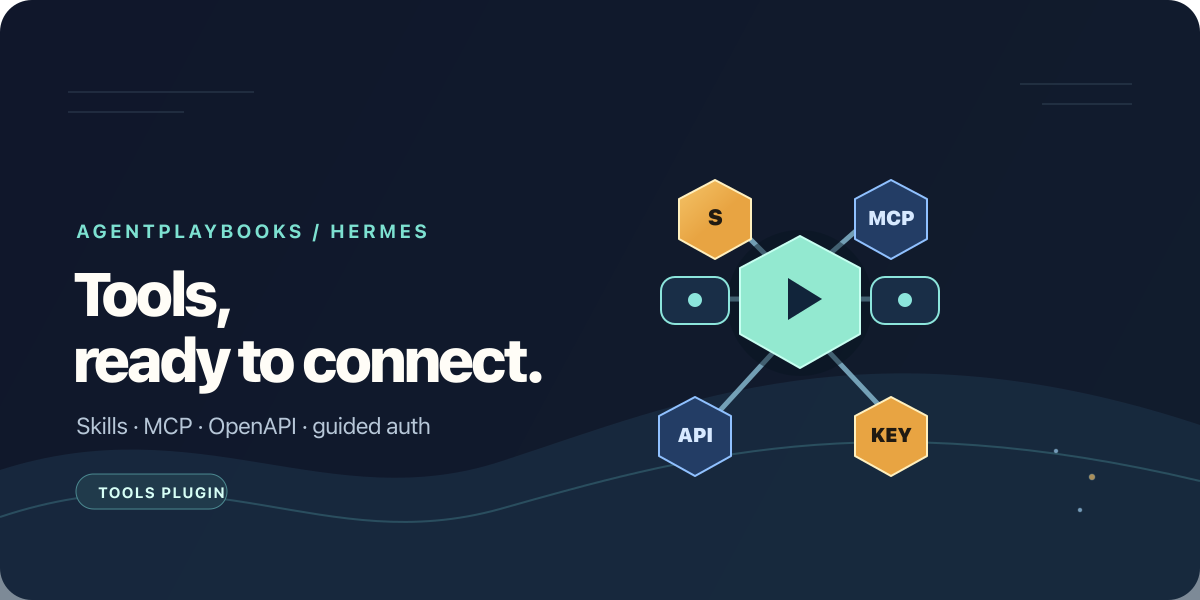
The AgentPlaybooks Tools plugin helps Hermes use skills and tools from your playbooks. It guides you through connecting hosted MCP tools, including federated MCP and OpenAPI services, setting up authentication, and syncing private skills into the selected Hermes profile. It complements the separate AgentPlaybooks Memory plugin.
The plugin installs a skill, not a background service. It uses the separately
installed apb CLI to make reviewed changes to the selected Hermes profile.
Credentials are configured in that profile's secret environment or in the
AgentPlaybooks vault; the plugin never asks you to paste a secret into chat.
Install
The Hermes catalog package is named agentplaybooks-tools:
hermes plugins install agentplaybooks-tools --no-enable
hermes plugins enable agentplaybooks-tools
npm install -g @agentplaybooks/cli@0.6.0
apb --version
The CLI requires Node.js 20 or newer. For a remote Hermes gateway, install
Node.js and apb on the gateway host/container. Installing this skill into a
remote profile does not install the CLI on your Mac or gateway.
Connect a playbook's tools
Authenticate the CLI, then preview a scoped connection:
apb login
apb connect <playbook-guid> --target=hermes
Review the plan. It shows the environment variable name for the required playbook-scoped API key. Add that secret to the selected Hermes profile, then apply the connection:
apb connect <playbook-guid> --target=hermes --applyThe connection exposes the playbook's hosted MCP tools, including configured federated MCP and OpenAPI services. Upstream service credentials stay in the AgentPlaybooks vault; Hermes receives tool access without the upstream secret values being copied into its configuration.
Add private skills
Pull the reviewed skill files into the project and sync them to Hermes:
apb pull <playbook-guid> .
apb pull <playbook-guid> . --apply
apb sync . --target=hermes
apb sync . --target=hermes --apply
Each command without --apply previews its changes. Review the plan before
applying it. Public skills can also be installed directly from a playbook's
/.well-known/skills/ URL.
For details about the CLI and authentication scopes, see the CLI guide and Hermes Memory guide.